
Documentation › Getting Started
Playing Your First Video
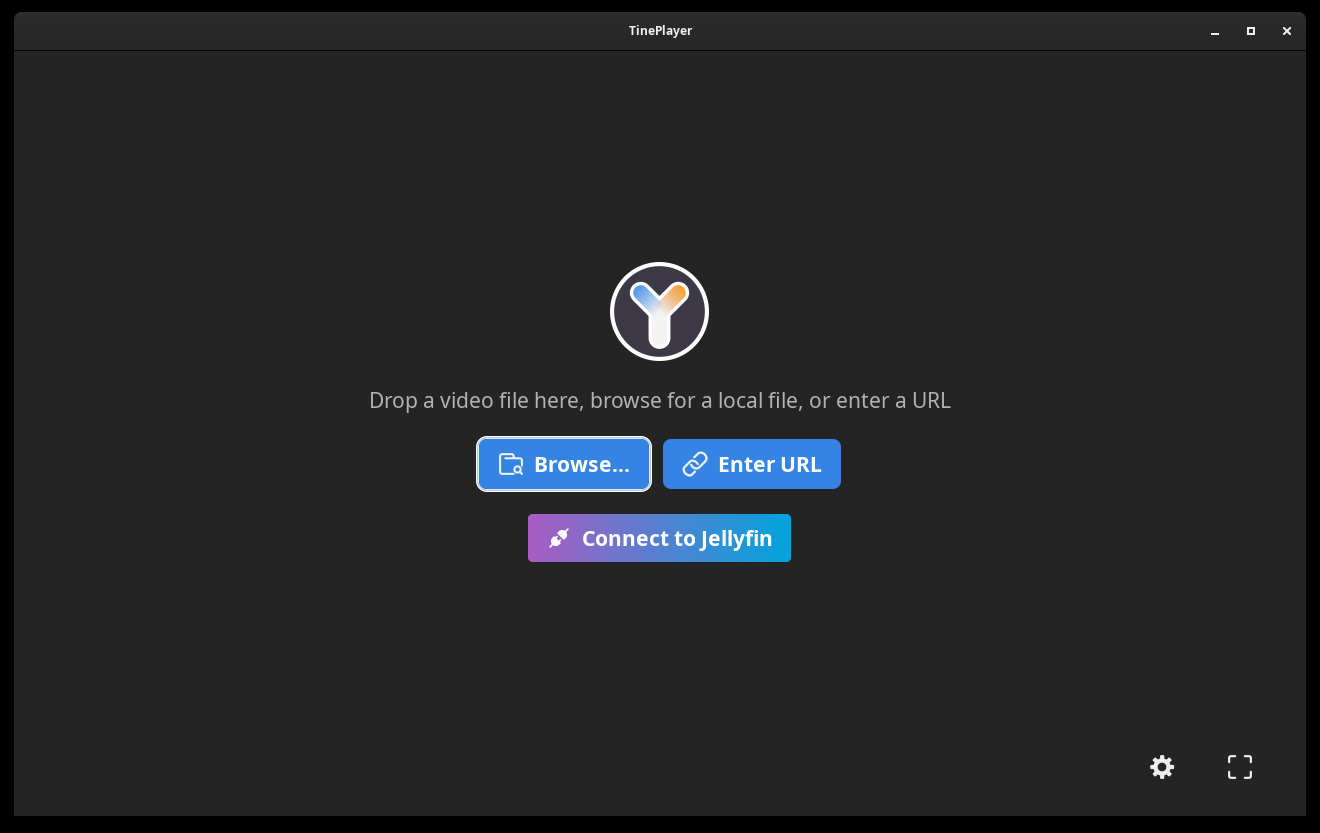
Start TinePlayer, you will first be presented with choices on how to open a video.
-
Choose a video:
- Drag a video file onto the window.
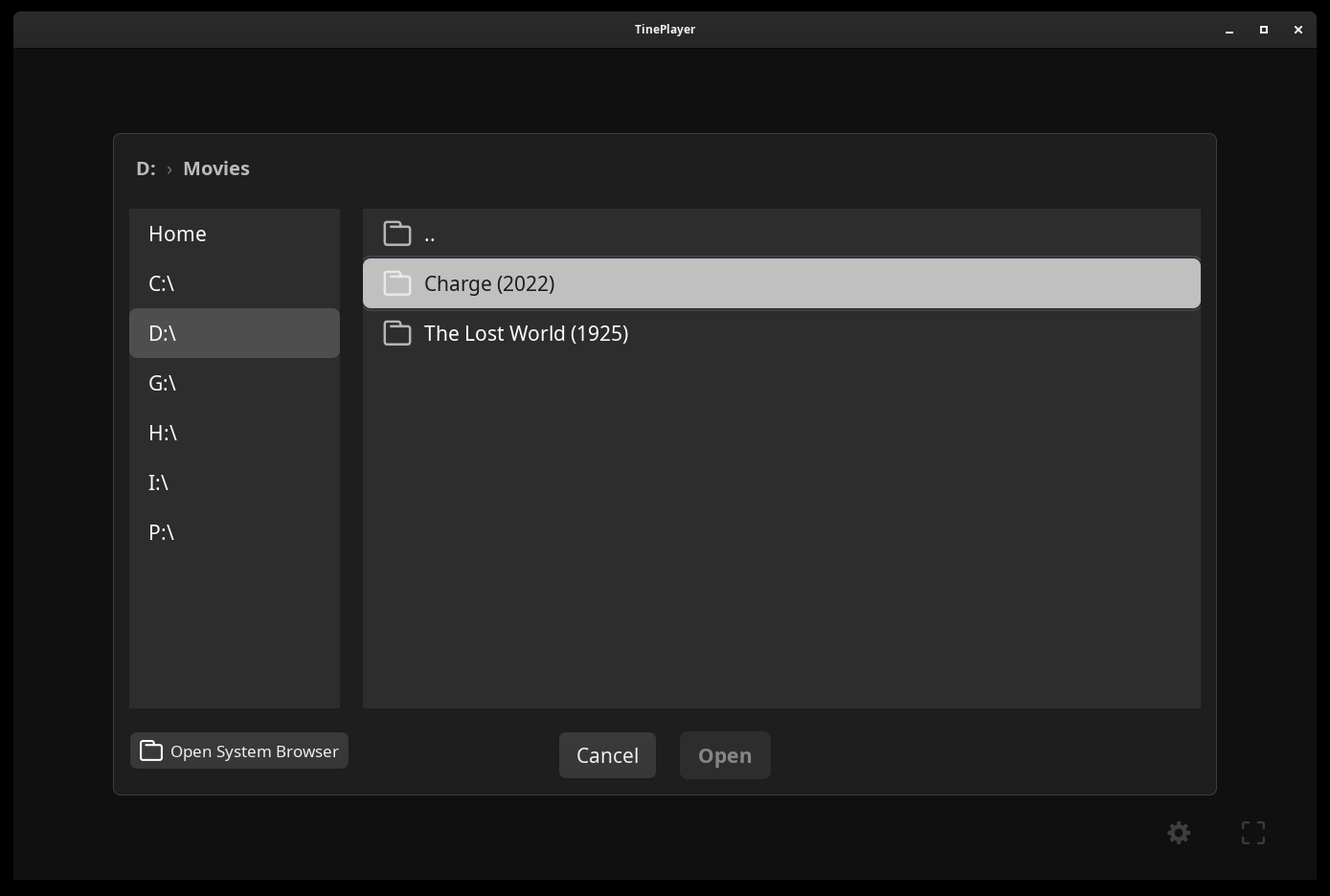
- Browse... to open a file browser.
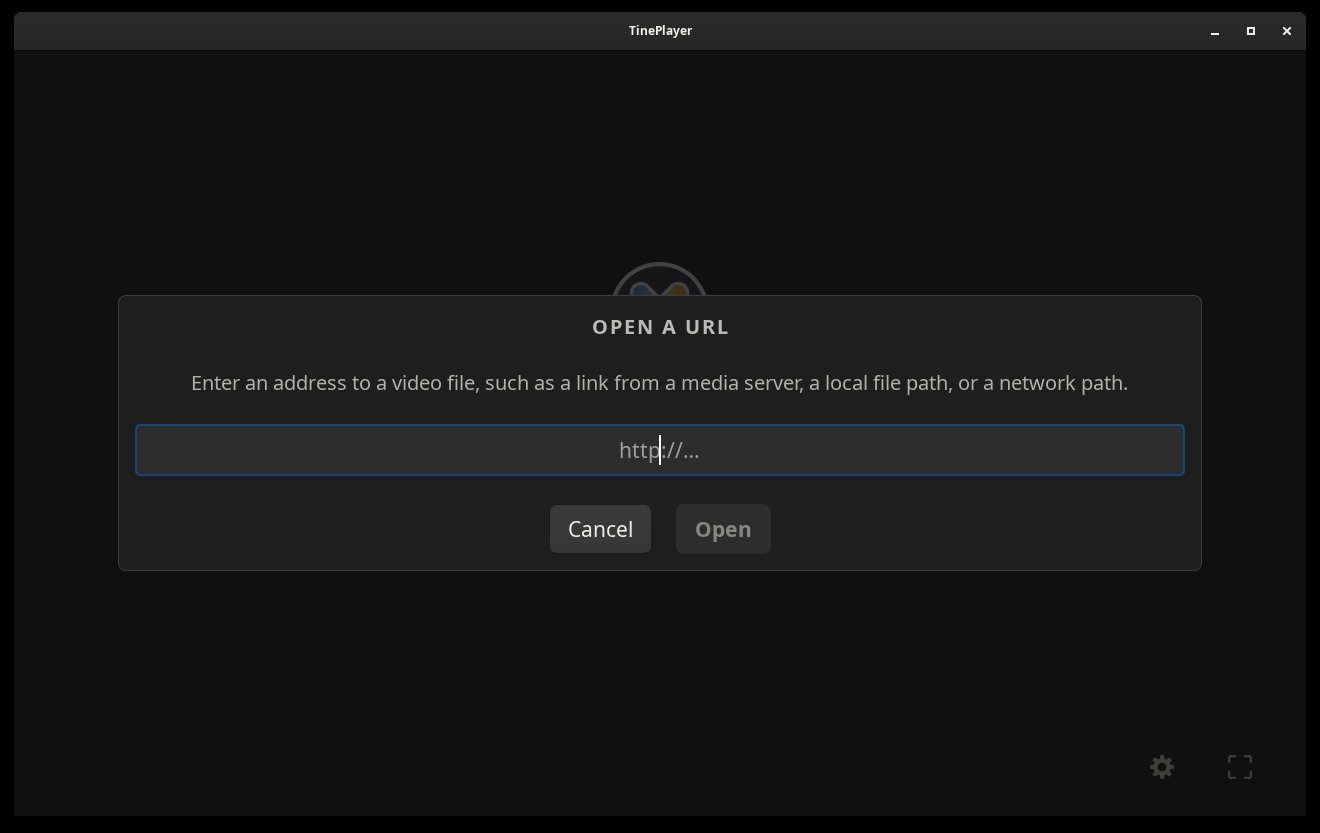
- Enter URL to enter a direct stream or file share URL.
- Connect to Jellyfin to connect a Jellyfin server and cast videos from another device.
- Check the first output. Under First Output, set Output Device to where the first Audio Track should be sent. Usually your Default Audio Device.
- Set the second output, if you want one. Under Second Output, pick a different device and a different track, or leave it set to None.
- Press Play.
TinePlayer will remember your choices for that video the next time it opens.
External Audio Files
The Audio Track list shows what is embedded in the video, and potentially external audio files that are next to the video. It also has the option to Browse... for an external audio file to play on that output instead, like an audio description track.
See Audio Tracks for more information.
Next: Accessibility - screen readers, audio description, and driving it without a mouse.